Review Comments (0) Screenshots (3) Questions & Answers (0) Votes (2) Awards (3) Wiki  
-Please log in to rate
2.5 2.5/5 (2)
-Thomas Braun, Jens Klingen
-0.7.9
- greenshot.sourceforge.net
-Open source
- 674 people
Download Greenshot

394.4 KBDownloaded 57 times


Review

Greenshot is a powerful and complete screen capture utility that offers among its features support for the most popular image formats plus a wide range of tools to optimize our images. It has an icon in the system tray, and with a single right click on the icon we can select the type of image we want to capture. We can use it to obtain a full screen, a region of it or an active window. Before capturing the desired image, we can configure the program to perform different tasks, for example, open an image editor to modify our screenshots, insert texts and even effects. The program can also be set to copy images to the clipboard, send them directly to the printer, or save screenshots automatically in any of the four graphic formats supported (JPG, PNG, GIF, BMP), allowing us to predefine a destination folder. The program is really small in size, only 395KB, what translates into low system and memory resources consumption. Besides, it really works more efficiently than some other tools of the kind. What is more, Greenshot is an open source program that is available for free download.
Advantages
  • Efficient and easy to use.
  • Free.
Disadvantages
  • Not found.

Reviewed by: Mariel Rearte

Reviewer rating: Editor's rating 5

Screenshots

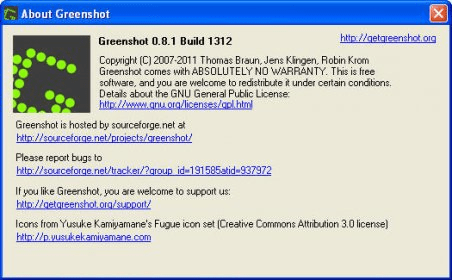
Image Editor Image Editor Preferences Preferences Program Info Program Info

Latest comments


There are no comments, be the first one!
Add new comment
Tag cloud
Download siClient

Email Address:

Password:

Register now »

Forgot password?

Copyright © 2009, Informer Technologies, Inc. About| Privacy and terms| Help| Feedback